InThisWorld Studios
For Second Life and OpenSim grids such as OSgrid and Kitely.
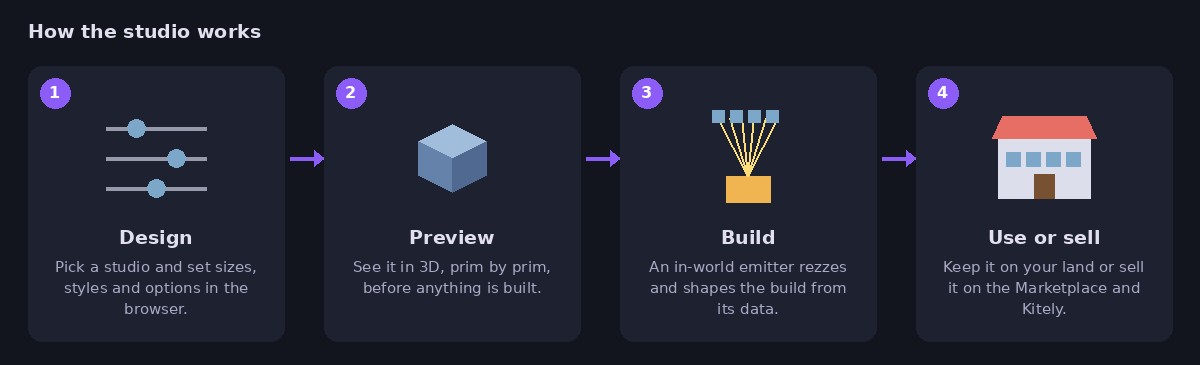
One studio for everything we make for Second Life and OpenSim. Each part is named after the Marketplace category it sells in. This site shows what each studio does; the studio itself runs in our workshop.
StructuresWorking
Buildings, towers and whole city blocks, designed in the browser and built in-world prim by prim.
Floor PlansWorking
Lay out rooms on a plan, then raise the plan into a building.
FurnishingsWorking
Furniture, plants, lighting and artwork for homes and stores.
VehiclesIn development
Morphing vehicles and the shop tools to build and test them.
AvatarsWorking
The Body Creator: shape and pose avatars for Second Life and OpenSim.
AccessoriesWorking
Worn items: HUDs, signs and gadgets you wear.
Animated ObjectsWorking
Animesh creatures and characters, shaped in the Body Creator.
AnimationsPlanned
Animations written in our movement notation and turned into Second Life animations.
ArtPlanned
2D art, signs and pictures for walls and builds.
Building PartsPlanned
Doors, windows, stairs and other parts to build with.
TerrainWorking
Land shaping for parcels: hills, ski runs, driveways and roads.
TexturesWorking
Our texture library, with a viewer to try each one on shapes.
ProjectsWorking
Every build we are working on, with its versions and history.
Our pipeline
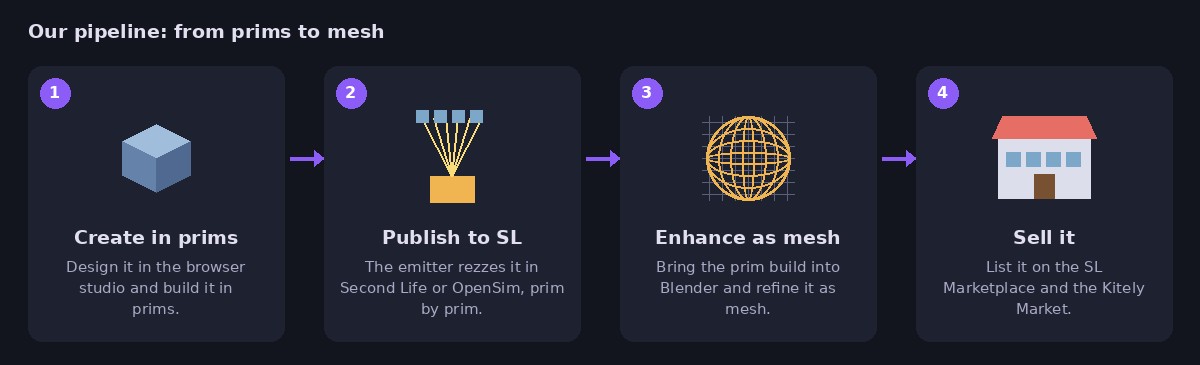
Create in prims, publish to Second Life or OpenSim, then enhance the build as mesh in Blender and sell it.
How it works